
Why the Webkul Multi Vendor Marketplace Was Never Built to Run Your Business: 11 Reasons, Hidden Costs & Alternative
Webkul's homepage calls it the "Best B2B/B2C Online Marketplace Platform." Their LinkedIn describes the company as "one of the largest self-created open-source marketplaces in the world." The marketing language says platform. The architecture says extension.
So, what actually is Webkul? That gap between positioning and reality matters when you're making infrastructure decisions.
Webkul grafts multi-vendor logic onto platforms that were built for single-seller commerce – Magento, Shopify, WooCommerce – and inherits every architectural limitation of the host.
The base module gives you a vendor dashboard, seller profiles, product approval, and commission rules. Everything beyond that is a separate paid add-on, with its own license, its own update cycle, and its own compatibility risk.
A proof of concept can run on an extension. A marketplace that needs to scale seller operations, handle split payments across regions, and maintain catalog quality across hundreds of vendors cannot.
See where the Webkul Multi Vendor Marketplace hits its limits – on Magento, on Shopify, and structurally – and what a purpose-built alternative looks like.
Key insights
- Webkul is an extension, not a platform. It inherits every limitation of its host: Magento's monolith, Shopify's single-seller checkout, WooCommerce's performance ceiling.
- The module covers the bare minimum. Basic marketplace features, like split payments, RMA, reporting, and buyer-seller messaging, are separate paid add-ons with their own update cycle and compatibility risk.
- On Shopify, data syncs one way only. Vendors must manually update inventory in Webkul. Per-vendor shipping in a single cart is not possible. Fulfillment is entirely manual.
- On Magento, Webkul multiplies the monolith tax. Every upgrade risks breaking the extension chain. Customization costs spiral across three code layers.
- Purpose-built marketplace platforms, like Mercur, treat multi-vendor logic as the core of your business with native split payments, seller lifecycle management, and catalog governance.
What is Webkul, and how much does it cost?
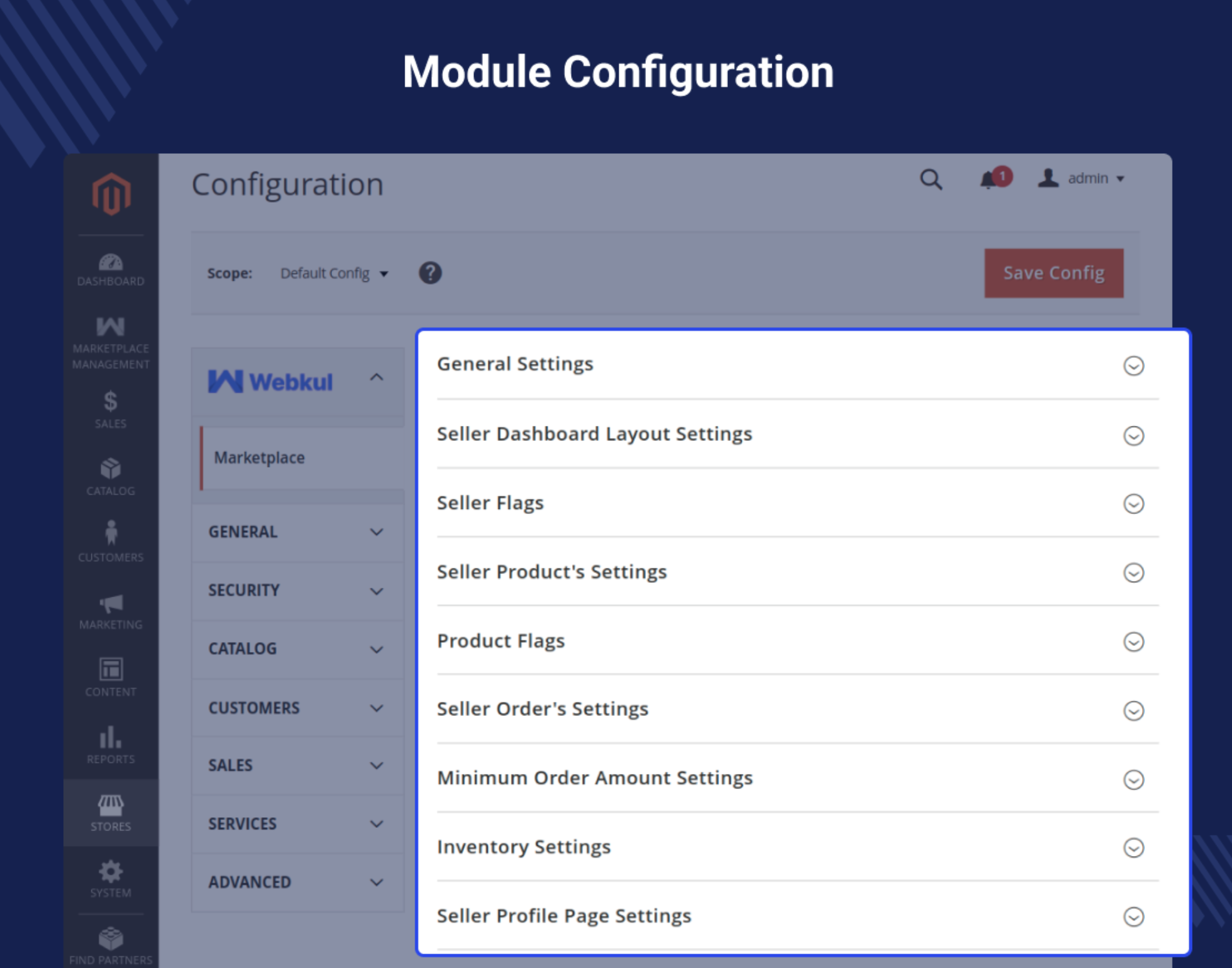
Webkul is an Indian software company that, among other services, builds extensions for eCommerce platforms. Their flagship product is the Multi Vendor Marketplace module, available for Magento, Shopify, WooCommerce, BigCommerce, SAP Commerce Cloud, and several others.
The appeal is straightforward: you already run a store on one of these platforms, your team knows the stack, and you don't want to migrate.
Webkul lets you add a vendor layer on top of what you have. Sellers get a dashboard, a profile page, and basic commission management. The store admin gets controls for product approval and vendor oversight.
For many teams, this feels like the path of least resistance. No replatforming, no new infrastructure, no retraining. You install a module and start onboarding sellers on the same platform you've been running for years.
That logic holds until you look at what the module actually covers, what it doesn't, and what the full cost looks like when you add everything a real marketplace needs.
Webkul costs across eCommerce platforms + what the pricing page doesn't show
The base module price looks manageable. The total cost of running a functional marketplace on Webkul does not.
Cost component | Magento Open Source | Adobe Commerce | Shopify | WooCommerce |
|---|---|---|---|---|
Base multi vendor module | $349 (one-time) | $698 (one-time) | $15–60/mo (app subscription) | $99 (one-time) |
Split payments (per PSP) | $99–199 per module | $99–199 per module | $5–19/mo per add-on | $79–149 per module |
Seller shipping (per carrier) | $99–149 per module | $99–149 per module | $5–15/mo per add-on | $79–99 per module |
RMA/return management | $99 | $99 | $9–15/mo | $79 |
Seller analytics/reporting | $99 | $99 | $5–10/mo | $79 |
Mass product upload | $99 | $99 | $5–10/mo | $79 |
Buyer-seller messaging | $99 | $99 | $5–10/mo | $79 |
Marketplace landing page | $99 | $99 | Included in some plans | $49 |
These are module license fees alone, which don't include the costs that actually dominate the budget.
Hidden cost | What it covers | Typical range |
|---|---|---|
Host platform license | Shopify plan upgrade (Growth minimum), Adobe Commerce license, or hosting for Magento OS/WooCommerce | $948–125,000+/yr |
Implementation and customization | Adapting modules to business logic: commission rules, onboarding flows, checkout modifications | $15,000–80,000+ |
Ongoing maintenance | Regression testing, platform upgrades, and security patches across modules | $1,000–5,000/mo |
Security audits | Reviewing all extensions and custom code introduced by modules | $3,000–10,000 per audit |
Integration development | Connecting ERP, PIM, CRM, accounting, or logistics systems | $5,000–30,000 per integration |
Localization | Manual translation of admin and vendor panels per language | 2–6 weeks per language |
To sum up, a marketplace running ten Webkul add-ons on Magento Open Source can exceed $2,000–3,000 in module licensing before any development work begins.
Add implementation, a single ERP integration, and a security audit, and the first-year cost easily reaches $50,000–100,000 for an extension layer that still inherits every limitation of the host platform.
According to Digital Commerce 360's 2024 B2B marketplace report, the median B2B marketplace now handles over 200 SKUs per vendor and processes multi-party transactions with at least two fulfillment nodes. That operational complexity cannot be managed through a stack of loosely coupled add-ons, no matter how many you buy.
Why the extension + add-ons don't make a marketplace?
The core issue with Webkul is structural. It is an extension layer, not a platform.
Every feature it provides sits on top of host platform architecture that was never designed for multi-vendor commerce. This means Webkul cannot do anything the host platform doesn't allow.
On Shopify, it can't override checkout behavior. On Magento, it can't escape the monolithic deployment model. On WooCommerce, it can't fix WordPress performance ceilings.
Each module has its own license cost, its own update cycle, and its own compatibility dependencies with both the Webkul base module and the host platform's core.
You're assembling a marketplace feature set one paid plugin at a time, and every plugin is a new maintenance surface.
The risk compounds with scale:
- 10 modules mean 10 compatibility checks after every host platform update.
- 15 modules mean 15 potential failure points in your checkout, catalog, and order management flows.
These aren't hypothetical scenarios. Marketplace founders and operators we've spoken with, as well as reviews on Shopify App Store, Quora, G2, and Trustpilot, consistently describe the same pattern: things work at launch, then break as complexity grows.
The section below breaks down how this plays out on the most popular eCommerce platforms Webkul supports.
How does Webkul perform on different eCommerce platforms?
Webkul's limitations aren't identical across platforms. Each host introduces its own constraints, and Webkul inherits all of them.
The result is a different flavor of the same problem: multi-vendor logic forced into a single-seller architecture.
Based on my personal experience, I cannot recommend this app under any circumstances. The amount of time, frustration, and operational damage it caused far outweighed any potential benefits. If you are considering this solution, I strongly suggest testing it very deeply before committing to it, especially if your business depends on stable marketplace integration. For me, this app ultimately became a major setback rather than a tool for growth. - Marketplace operator review, Shopify App Store.
Webkul + Magento – complexity layered on complexity
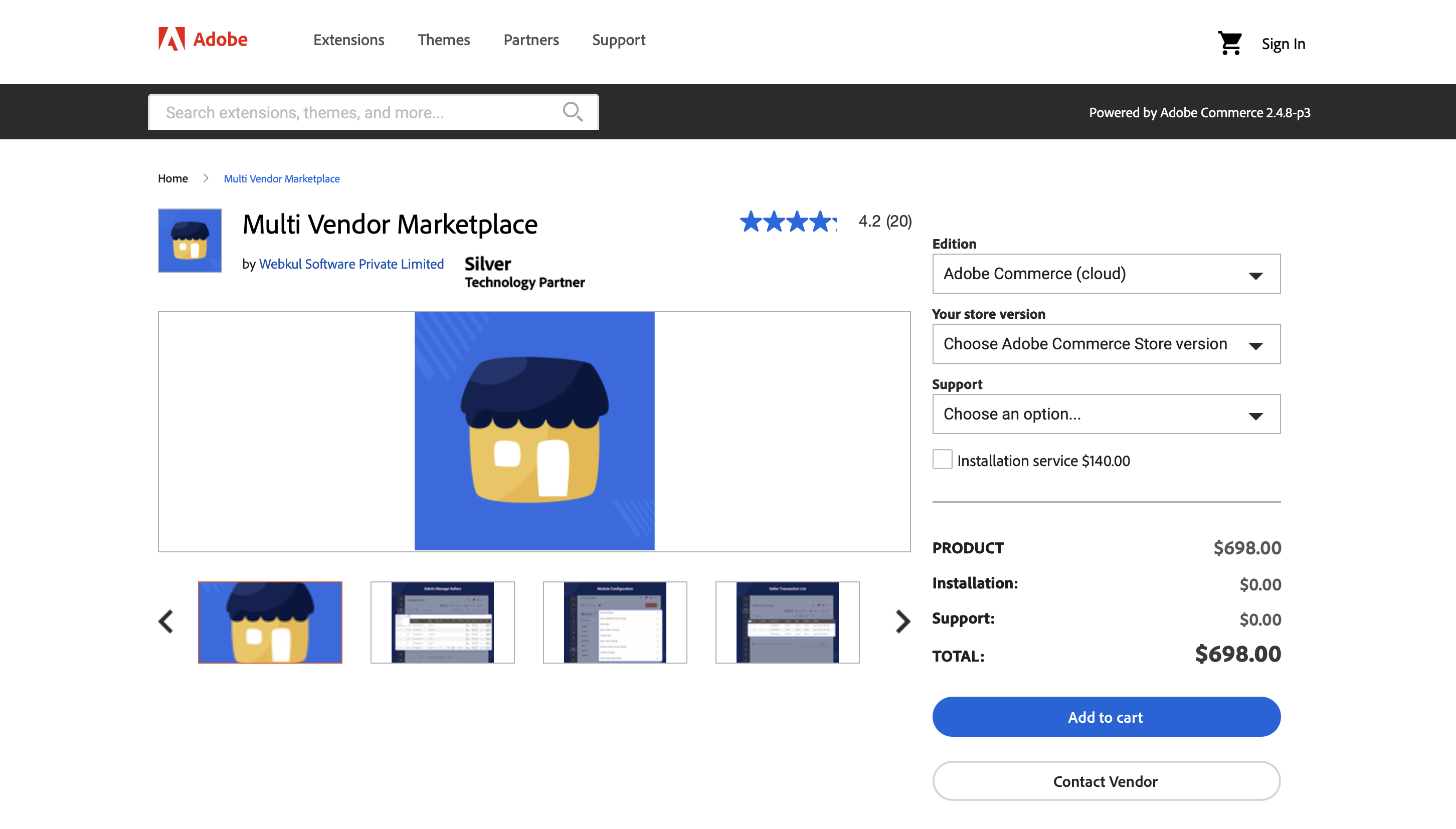
Webkul's deepest roots are in Magento 2. The Multi Vendor Marketplace extension is the most widely deployed marketplace module in the Magento ecosystem.
For years, it was the only option for Magento merchants who wanted multi-vendor capabilities without a ground-up rebuild.
That first-mover status earned Webkul a large install base, but it also locked thousands of merchants into an architecture that compounds problems as it grows.
The Magento module did not work out of the box and required some tinkering. BUYER BEWARE $200 module also required minor customisation charge to be $600 (why this standard feature is not in the module I do not know). Dumped the module and went to another supplier. - Marketplace operator review, Quora.
Here's where things break down.
The monolith tax
Magento is a monolithic PHP application. Every extension shares the same codebase, the same deployment pipeline, and the same database.
When you layer Webkul's marketplace module (plus five, ten, or fifteen add-ons) on top of that monolith, you multiply the surface area for conflicts.
Magento upgrades already carry risk. Add a marketplace extension with its own dependency tree and the upgrade path becomes a project in itself.
Teams report weeks of regression testing after minor Magento version bumps, because Webkul modules touch core areas like checkout, catalog, and order management.
The Adobe Commerce question
Adobe Commerce adds its own layer of licensing complexity. Webkul charges separately for Adobe Commerce compatibility.
If you're running B2B-specific Adobe modules, like shared catalogs, company accounts, and negotiable quotes, the interaction surface between Webkul and Adobe's own multi-buyer logic creates unpredictable behavior.
Adobe's own roadmap has shifted toward composable commerce and API-first architecture. Building deeper into a monolithic extension model runs counter to where the platform vendor itself is heading.
Customization spirals
The real cost of Webkul on Magento is not the license fees but the development time.
Teams that start with the base module inevitably need customization – adjusting commission logic, modifying seller onboarding flows, connecting with an ERP or PIM system.
Every customization touches Webkul's code, which sits between your business logic and Magento core.
When Webkul releases an update, your customizations may break.
When Magento releases a security patch, Webkul compatibility isn't guaranteed on day one.
You're maintaining three layers of code simultaneously: Magento core, Webkul modules, and your own modifications.
For a deeper look at why Magento as a marketplace foundation hits its limits, see our analysis of building a marketplace in Magento.
Webkul + Shopify – a multi-vendor app built on single-vendor DNA
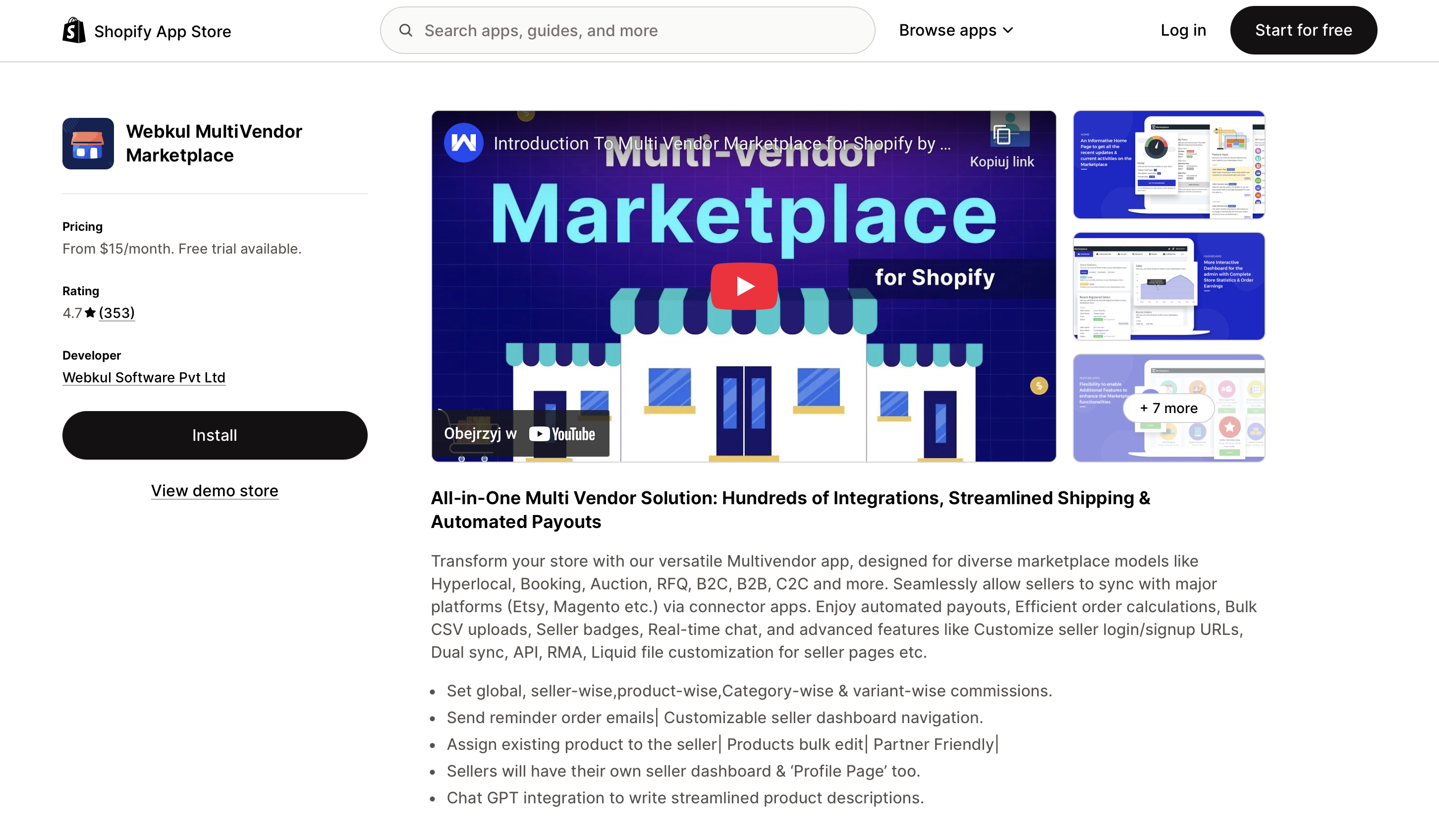
Shopify is a single-tenant, single-seller platform by design. Its architecture, checkout flow, and data model all assume one merchant selling to many buyers.
Webkul's Shopify multi vendor marketplace app tries to graft multi-vendor logic onto that single-seller foundation.
In my personal experience, this has been one of the worst apps I have ever worked with on Shopify. I installed it with the expectation that it would provide stable integrations and reliable marketplace sync, but from the beginning I encountered constant technical issues, glitches, and inconsistent behavior across multiple features.
Over time, these problems created real operational difficulties for my store. Basic actions failed, errors kept returning, and important parts of the app did not function as advertised for me. One of the biggest issues I faced was the marketplace integration (for example with Etsy), which continuously produced errors, failed syncs, and incomplete data transfers. This alone caused massive disruption to my workflow, leading to delays, incorrect listings, and lost time trying to manually fix things that the app was supposed to handle. - Marketplace operator review, Shopify App Store.
The plan escalation trap
Running Webkul on Shopify requires upgrading to a higher-tier Shopify plan to access the checkout integrations and shipping options a marketplace needs. The Growth plan is the minimum to activate cart-level integrations and shipping configuration.
Merchants who choose this path expecting a low entry cost find themselves on an elevated Shopify plan before the marketplace is even functional + monthly fees for each Webkul feature module, ranging from $5 to $50 per plugin. The initial budget estimate rarely survives contact with the real requirements.
One-way data sync
Webkul on Shopify synchronizes data in one direction only. Shopify pulls data from Webkul, but Webkul does not push updates back to Shopify.
In practice, multiple vendors must manually add and update inventory levels inside Webkul. For a seller managing stock across multiple channels, like their own site, Amazon, a wholesale portal, this creates a parallel data entry burden.
There is no automated two-way sync. Stock levels drift. Overselling happens.
For larger brands with warehouse management systems and multichannel inventory tools, this is a dealbreaker. They cannot allocate inventory to your marketplace programmatically. Every stock update is a manual task.
No per-vendor shipping in a single cart
Shopify's checkout assumes a single fulfillment source. Webkul can split orders across vendors after purchase, notifying each brand of their portion and summing shipping costs. But it cannot present different shipping methods from different vendors within one cart.
Customers purchasing from three sellers see one shipping option, not three. There's no way to let Vendor A offer express shipping while Vendor B offers freight.
The checkout abstraction that makes Shopify simple for single-seller stores makes it rigid for multi-vendor scenarios.
Manual fulfillment, no logistics integration
Fulfillment on the Webkul-Shopify stack is entirely manual. Vendors track orders themselves and organize shipping outside the platform. There is no native integration with third-party logistics providers or vendor warehouse systems.
Inventory updates are manual. Each vendor must carve out dedicated stock for the marketplace, separate from their other channels.
For brands selling across multiple platforms with external warehouses, this is both a logistical and financial bottleneck.
B2B marketplaces lose transactions when any part of the workflow forces participants off-platform. If a vendor needs to step outside to manage shipping, arrange insurance, or handle escrow, the entire deal often migrates with them.
Keeping the full transaction lifecycle on-platform is a documented retention mechanism for marketplace operators, and it's exactly what a bolted-on extension layer can't provide.
For a deeper look at why Shopify as a marketplace foundation is a bad idea, see our analysis of building a marketplace in Shopify.
Where Webkul breaks down on all platforms – 4 areas
Beyond the platform-specific problems, Webkul has structural limitations that surface as a marketplace grows – regardless of whether it runs on Magento, Shopify, or anything else.
1. Seller onboarding and lifecycle management
Webkul provides a registration form and an approval toggle. That's not seller lifecycle management.
There's no staged onboarding workflow, no automated document verification, no progressive access controls.
For B2B marketplaces where seller onboarding often involves tax document validation, compliance checks, contract signing, and tiered commission structures – the gap between what Webkul offers and what operators need is wide.
Teams fill it with manual processes, spreadsheets, and workarounds.
2. Catalog governance
Multi-vendor catalogs are inherently messy. Duplicate products, inconsistent attributes, conflicting category mappings – these are table stakes problems that need automated tooling.
Webkul's product approval flow is binary: approve or reject. There's no attribute-level validation, no duplicate detection, no catalog mapping rules.
As the vendor count grows, catalog quality degrades unless the operator invests heavily in manual curation.
3. Payment splitting and PSP flexibility
B2B marketplaces often operate globally. Suppliers are often in emerging markets where Stripe doesn't process payouts or where local payment methods are required.
Webkul's payment splitting depends on which add-on you purchased: Stripe Connect, PayPal, or Mangopay – each a separate module.
If your marketplace needs to support multiple payment service providers across different regions, you're licensing and maintaining multiple payment modules, each with its own integration logic.
A marketplace platform should be PSP-agnostic by design. That's not an add-on, it's an architectural decision that needs to be made at the foundation.
4. Localization and admin UX
Translating the Webkul admin and vendor panels is a manual, file-by-file process. There is no language selector. Operators must export CSV files for each panel section, translate them externally, and re-import them.
For marketplaces operating across multiple countries, this alone can consume weeks of operational effort.
The admin UX itself draws consistent criticism: long configuration paths, unclear documentation, and slow support response times. When your marketplace operations team spends hours configuring basic settings, the platform is working against you, not for you.
What a purpose-built marketplace platform looks like & what are alternatives for Webkul?
The pattern across every Webkul limitation is the same: an extension layer cannot compensate for a host platform that wasn't architected for multi-vendor commerce.
The checkout, data model, fulfillment logic, and payment infrastructure all need to be designed for marketplaces from the ground up.
Architecture that starts with multi-vendor logic
A purpose-built marketplace platform doesn't bolt vendor management onto a single-seller data model.
Multi-vendor logic lives at the core: the order model supports multiple fulfillment sources natively, the catalog schema handles shared and vendor-specific attributes, and the payment layer splits transactions without a third-party plugin.
This eliminates the extension dependency chain.
No compatibility matrices between a base module, fifteen add-ons, and the host platform. No three-layer code maintenance. No upgrade roulette.
PSP-agnostic by design
Global B2B marketplaces need payment flexibility. A supplier in Indonesia requires a different payout mechanism than a supplier in Germany.
Locking into a single PSP, or maintaining separate plugins per provider, creates operational friction and limits geographic reach.
A purpose-built platform treats PSP flexibility as an architectural decision, not a feature add-on. Multiple payment providers run concurrently, with routing logic that matches each seller's region and requirements.
Headless architecture, no monolith tax
Decoupling the frontend from the commerce engine means independent deployments, independent scaling, and no cascade failures when one layer changes. You should build any storefront without touching the commerce backend.
There are no add-on compatibility matrices. No regression testing after a CMS plugin update broke the checkout. Each service has a clear boundary and a defined API contract.
Code ownership and cost predictability
With an extension-based stack, you're paying for someone else's code that you can't fully control. License fees recur. Customizations break on update. And every new feature means another vendor dependency with its own pricing roadmap.
An open-source marketplace platform flips that model. You own the codebase. You choose where to host it. Your team extends it without waiting for a plugin vendor to ship a module or approve a modification.
There are no per-feature licensing fees and no per-PSP add-on costs. The total cost of ownership becomes predictable and driven by your development capacity, not by a growing stack of third-party subscriptions.
Own the full transaction lifecycle
The strongest marketplaces keep every step of the transaction on-platform: discovery, negotiation, payment, fulfillment, and post-sale support.
When any step forces a participant off-platform, disintermediation follows.
The operators who treat marketplace infrastructure as a core competency will be the ones who capture that growth.
Mercur – the marketplace platform built for this problem
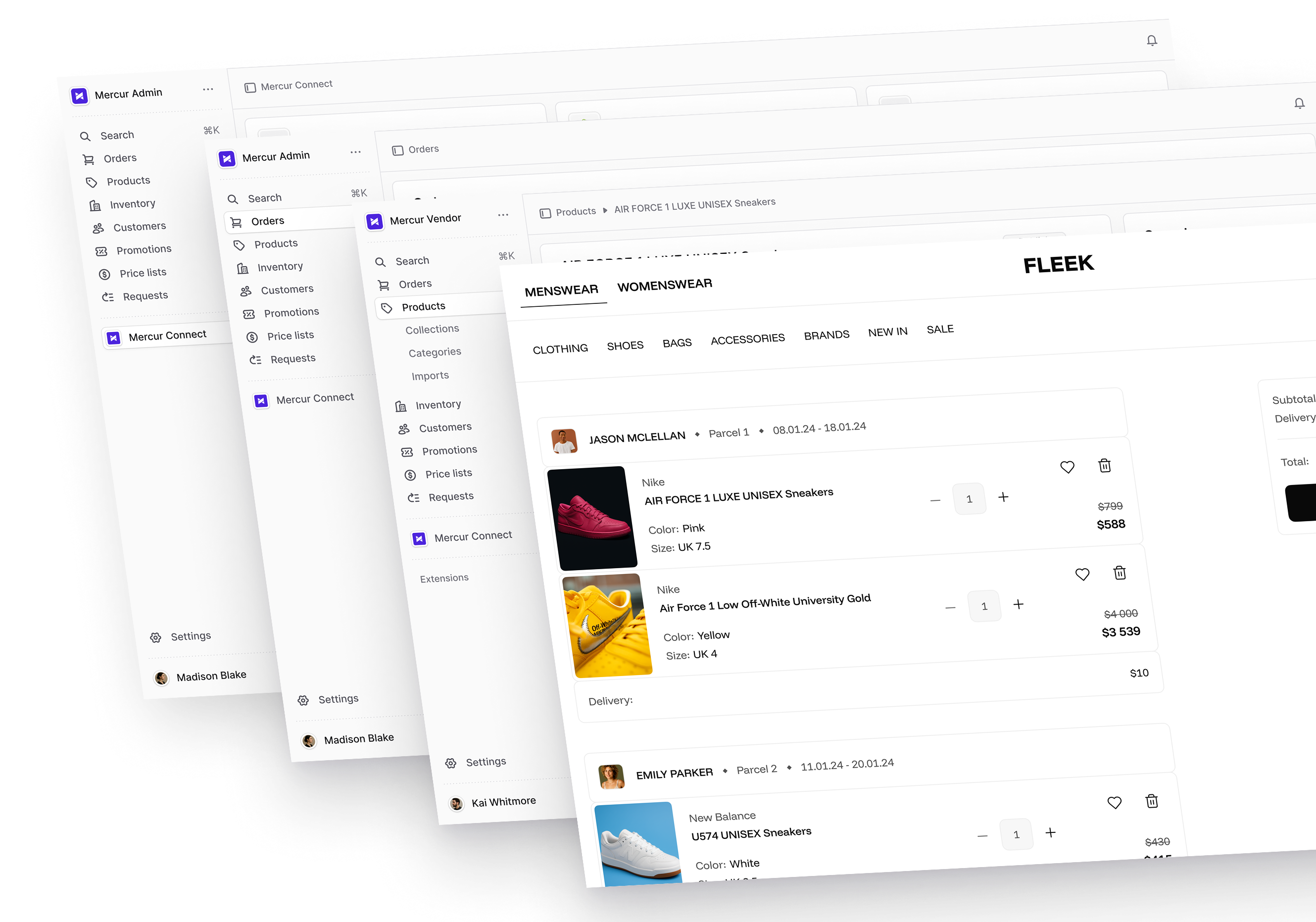
Mercur is a limitless marketplace platform built on Medusa, an open-source headless commerce engine. It was designed from the start for multi-vendor commerce, not adapted from a single-seller tool.
Where Webkul requires you to assemble a marketplace from dozens of plugins, Mercur ships it as a unified system.
Seller onboarding, commission management, split payments, catalog governance, and order routing are native capabilities in Mercur, not paid add-ons with separate update cycles.
The seller dashboard, product approval workflows, and vendor-level analytics are part of the same codebase as the rest of the platform.
You own the code, host it where you want, and extend it without permission from a plugin vendor. The PSP layer is agnostic by design, so you can process payouts to sellers in any region using whichever provider fits. No separate payment module per PSP. No licensing per feature.
For teams evaluating a move away from Webkul or planning a marketplace that Webkul would never scale to support, Mercur eliminates the extension tax entirely. Schedule a demo call!
We work with companies building multi-vendor marketplaces, B2B marketplaces, B2C marketplaces, and MVP marketplace launches. We will help you map the right technology to your specific model.
Your marketplace deserves its own foundation
Webkul serves a purpose at the starting line. If you need a quick proof of concept and a way to test if a multi-vendor model works for your business, a $349 module on Magento or a Shopify app can get you there.
But proof of concept and production marketplace are different problems. The extension model breaks down when you need: split payments across regions, automated seller onboarding, catalog governance at scale, two-way inventory sync, or per-vendor fulfillment logic.
If you're running into Webkul's ceiling, or planning a marketplace that will hit it within the first year – talk to the Mercur Marketplace Experts.
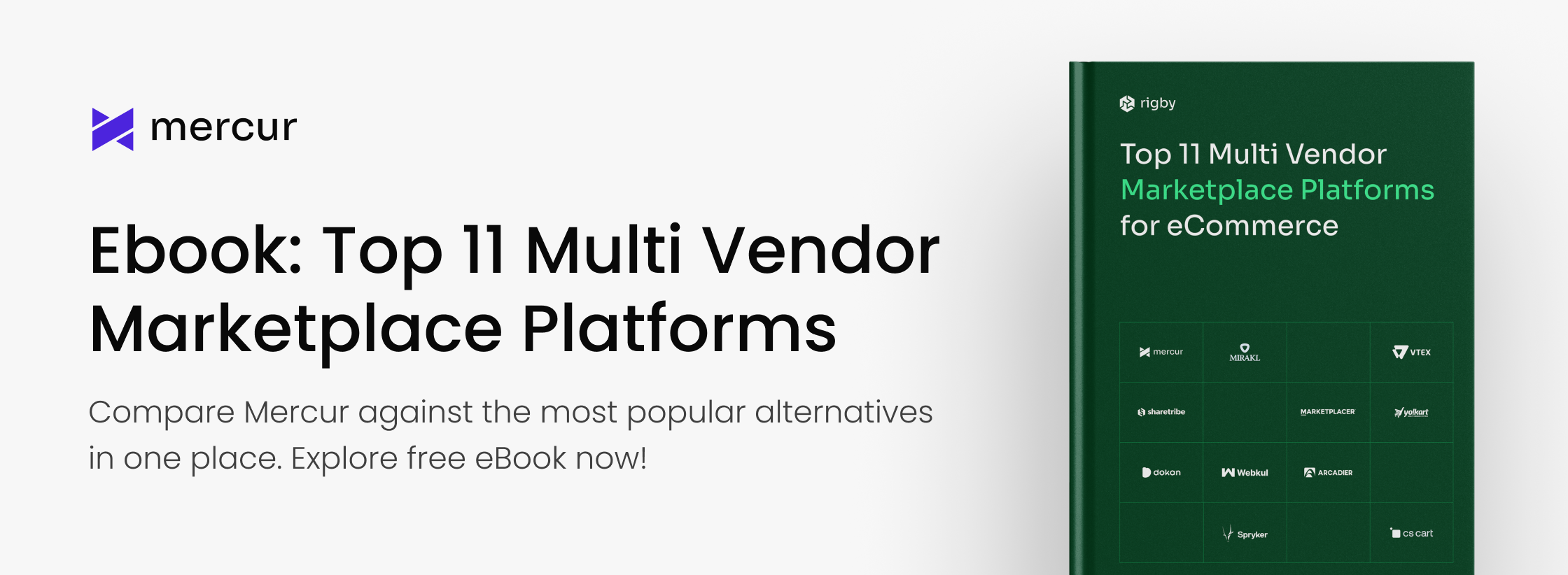
And if you are evaluating marketplace platforms and want a structured comparison, our free guide – Top 11 Multi-Vendor Marketplace Platforms for eCommerce – compares leading technologies (including Mercur) across 11 criteria.
FAQ on Webkul multivendor marketplace
What's the alternative to Webkul for building a marketplace?
Purpose-built marketplace platforms like Mercur start with multi-vendor logic as the core architecture, not a bolt-on. Native split payments, seller lifecycle management, catalog governance, and headless architecture for diverse marketplace models eliminate the extension dependency that defines the Webkul approach.
Is Webkul enough to run a B2B marketplace?
No, Webkul provides basic multi-vendor features: a seller dashboard, product approval, and commission rules. For B2B use cases you'll need multiple paid add-ons, heavy customization, and workarounds for features the extension layer simply can't support. Most B2B operators outgrow it.
What does Webkul cost in total on Magento?
The base module is $349 for Magento Open Source, $698 if you add Adobe Commerce compatibility. Each additional feature – split payments, seller shipping, RMA, and reporting – is a separate licensed module.
A marketplace with ten add-ons can easily exceed $2,000–$3,000 in licensing alone before development or customization costs. Add implementation, integrations, and security audits and the first-year total reaches $50,000–100,000.
Why is Webkul on Shopify limiting for multi-vendor operations?
Shopify was built for single-seller commerce. Webkul grafts multi-vendor logic on top of that model but can't override Shopify's checkout, shipping, or data sync architecture.
Data flows one way (Shopify pulls from Webkul, not the reverse), per-vendor shipping options aren't available in a single cart, and fulfillment is entirely manual. These constraints compound as vendor count and order volume grow.
Can Webkul handle multiple payment providers for a global marketplace?
Only through separate add-on modules, one per PSP. Stripe Connect, PayPal, and Mangopay are each different plugins with their own license and update schedule.
Running multiple PSPs simultaneously means maintaining multiple payment modules, which adds cost and complexity. A PSP-agnostic architecture, like Mercur's, treats this as a foundational design choice rather than a plugin dependency.
More articles
Ready to build?
See the product – open the demo, or book a walkthrough with our experts.