
Stripe Connector for Mercur Marketplace
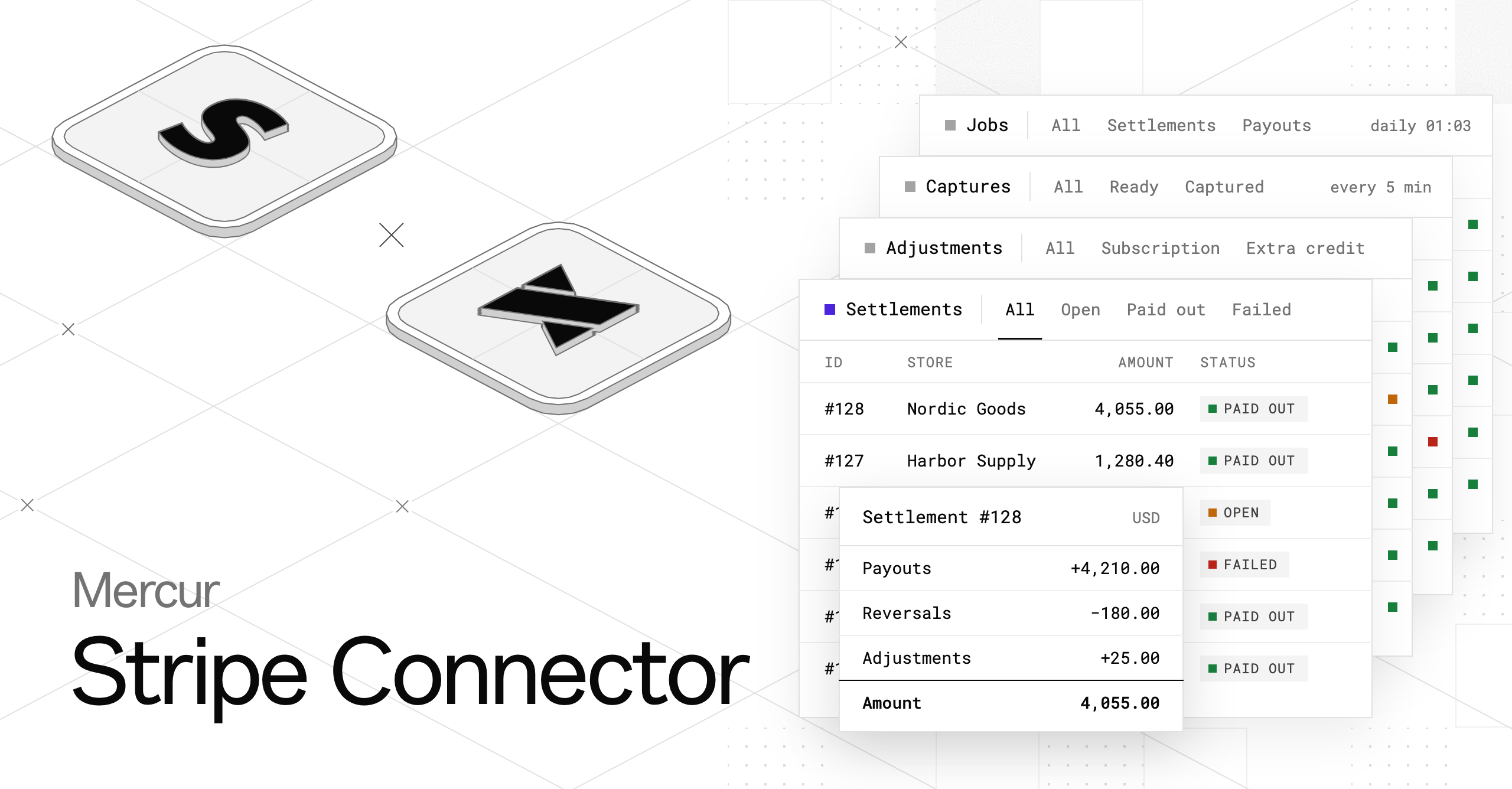
Today we're releasing @mercurjs/stripe-connector-plugin, the Stripe integration for paying sellers from checkout to their bank account.
Until now, Mercur could create a payout account, send a seller to Stripe onboarding, and create a payout for an order. Deciding when to do any of that was left to you.
This plugin adds the missing half: a payment provider, a payout provider, scheduled jobs, settlements, and the admin and vendor screens to watch it all happen.
It is open-source under the MIT license and installs as a regular plugin.
Why marketplace needs more than "send a transfer"
Single-vendor store charges a card and keeps the money. Marketplace charges one cart that spans several sellers, and then has to answer a series of questions:
- When is it safe to capture the payment if one seller ships and another cancels?
- How much does each seller get after commission?
- What happens when a refund lands after the seller was already paid?
- What if a seller hasn't finished Stripe verification yet?
- What if a transfer fails at 3 a.m.?
Each answer is a small piece of bookkeeping, and the Mercur Stripe Connector makes that bookkeeping explicit, idempotent, and visible.
How does the Stripe Connector work?
The marketplace charges the customer once and holds the authorization. When every seller order in the group is decided, the connector captures the part that was not canceled, or cancels the authorization if nothing is left.
1. Capture
payout-validate-captures captures once every seller order is canceled or has reached the fulfillment status you require. To capture as soon as nothing is awaiting acceptance, turn on captureBeforeAcceptance.
2. Payout per order
Each fulfilled, captured order becomes a Stripe Connect transfer to the seller's connected account: the order total minus its commission lines, sourced on the charge that paid for it.
An order that isn't ready (no payouts-enabled account, not fulfilled, or payment not captured) goes on_hold and is re-decided on the next run.
3. Reversal per refund
When a refund is issued, the connector creates a reversal of the seller's share, net of commission. It waits until the original payout exists.
4. Settlement
Once a day, each seller's payouts, reversals, and operator adjustments are netted into a settlement per currency. The connector then asks Stripe to pay it out to the seller's bank.
What happens when a job fails?
A failure affects only its own row. A refused transfer marks that row, and the job moves on.
Failed and held rows are retried from a backlog before new work. Running any job twice creates no second transfer, reversal, or payout.
// medusa-config.ts
module.exports = withMercur({
  plugins: [
    {
      resolve: "@mercurjs/stripe-connector-plugin",
      options: {
        apiKey: process.env.STRIPE_SECRET_KEY,
        webhookSecret: process.env.STRIPE_SELLERS_WEBHOOK_SECRET,
        settlements: { mode: "plugin" },
        alerting: { technicalEmail: "ops@example.com", from: "noreply@example.com" },
      },
    },
  ],
  // payment + payout provider registration: see the README
})
Which scheduled jobs does the Stripe Connector run?
Job | When does it run (UTC)? | What does it do? |
|---|---|---|
| every minute | Creates Express accounts and onboarding links for new sellers |
| every 5 min | Captures or cancels decided order groups |
| every 5 min | Retries the backlog, then pays fulfilled orders |
| every 5 min | Retries the backlog, then reverses refunds |
| daily 01:03 | Applies adjustments, builds settlements, pays them out |
| daily 08:04 | Emails a digest of everything still failed |
| every 6 hours (opt-in) | Re-reads every account's verification requirements |
Order fulfillment, cancellation, capture, and refund events also trigger faster runs, so sellers aren't waiting.
What do operators and sellers see in the Stripe Connector?
Every number on the operator and seller screens comes from a core route, so you can build your own views on the same data.
What do operators see?
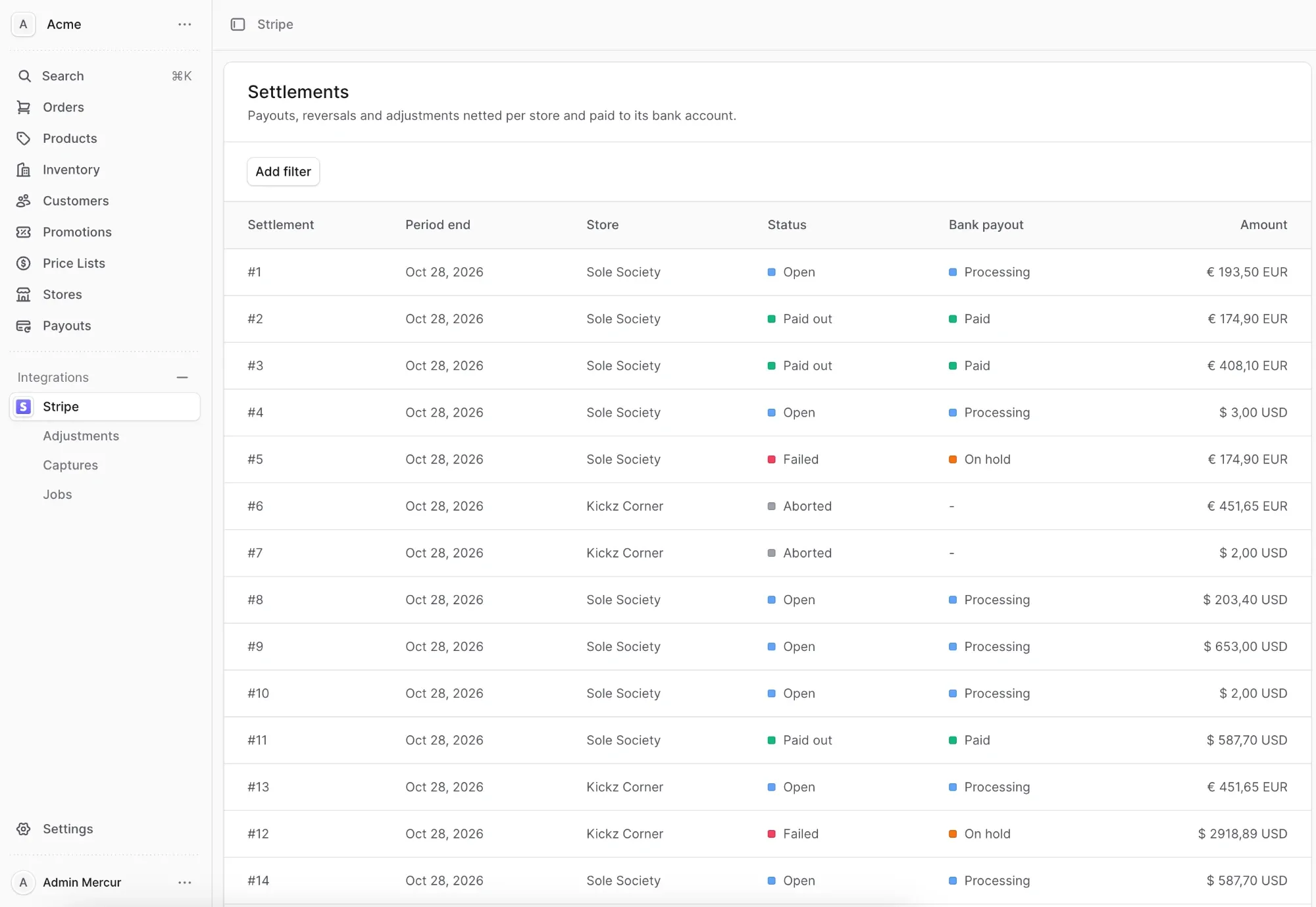
Operators get an Integrations → Stripe area with Settlements, Adjustments, Captures, and Jobs pages. Each job shows the last run and a table of the rows it touched, plus a run history.
Settings → Stripe lists the webhook URLs to register. The seller page has a Stripe section, and the order page has a payout widget.
What do sellers see?
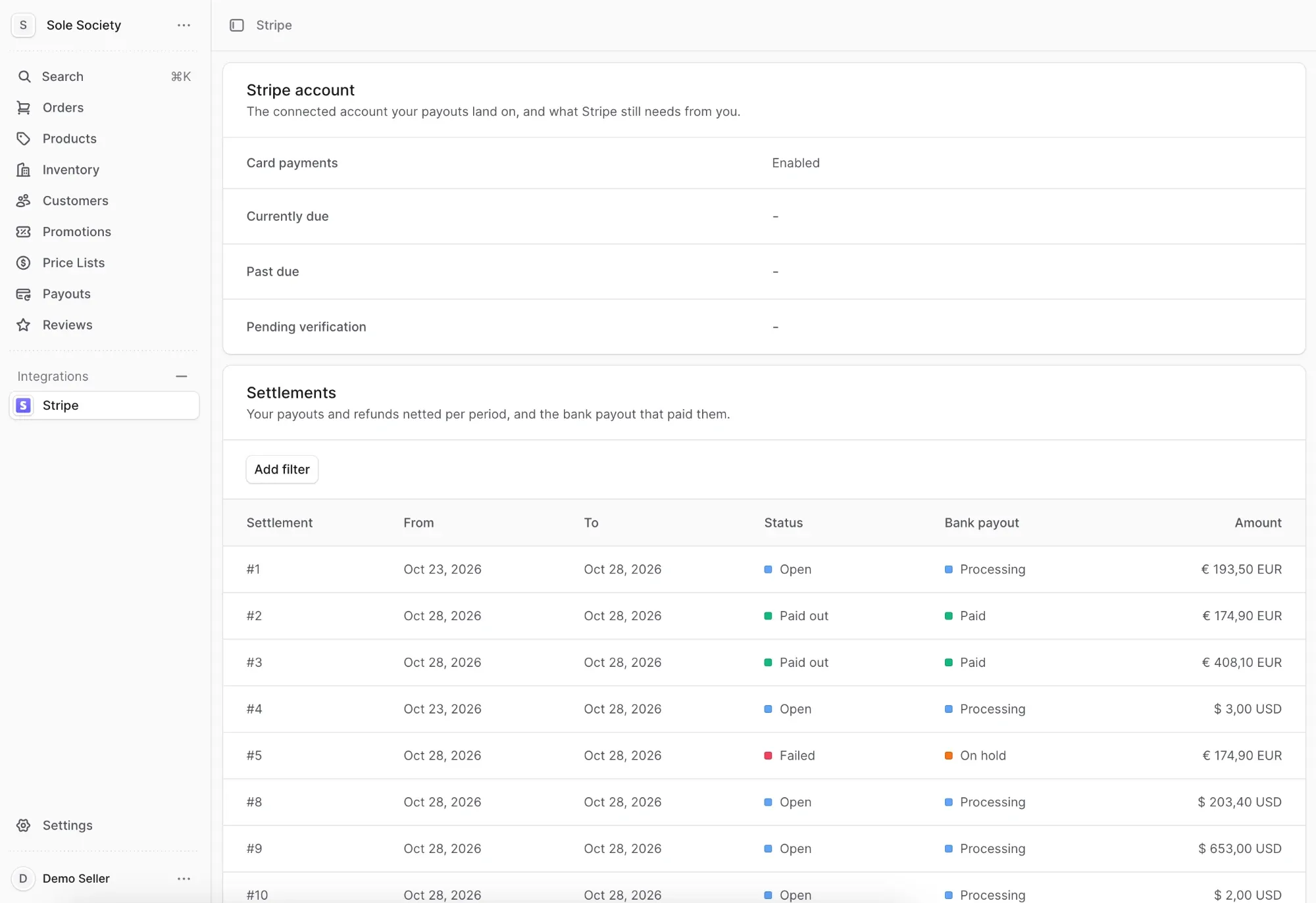
Sellers get an Integrations → Stripe page with a setup form, the status of their Stripe account including what Stripe still needs from them, and their settlements.
How does the Stripe Connector report failures?
When a transfer, reversal, or payout fails, the connector POSTs a JSON notification to a URL you configure, with three retries and backoff. Set notifications.secret, and each body is signed with HMAC-SHA256 in the x-mercur-signature header.
If your endpoint stays down, an email goes out. Every morning, the technical contact gets a digest of everything still failed.
How does Stripe Connector differ from the previous Stripe Connect provider?
Mercur provided @mercurjs/payout-stripe-connect for a while. It is a minimal adapter, and a provider inside this plugin now replaces it. The difference is mostly what surrounds the Stripe calls:
Area | Previous provider | Stripe Connector |
|---|---|---|
Scope | A provider class: create account, create onboarding link, create transfer | Payment provider, payout provider, module, jobs, subscribers, admin and vendor UI |
When money moves | Whenever your code calls the payout workflow; nothing schedules it | Scheduled jobs plus event-triggered runs |
Payment capture | Not handled | Charge once, capture when the order group is decided, cancel when nothing is left |
Payout status | Marked paid as soon as the transfer call returned | A status machine: |
Not-ready orders | Not modeled | Put on hold and re-decided on every run |
Refunds | Not handled | A reversal per refund, net of commission |
Retries | Manual | Backlog retried before new work |
Account state |
| Webhook plus onboarding sync and optional KYC monitor; flags, requirements, and disabled reason kept current |
Payout to bank | Left to Stripe's default schedule | Daily settlements per seller and currency, with operator adjustments; or |
Failure handling | Surfaces as an error | Per-row failure, signed notifications, email, and a daily digest |
Visibility | None | Run history and per-job tables in the admin; status page for sellers |
Idempotency | Caller's responsibility | Row IDs as idempotency keys and unique indexes; re-running a job is a no-op |
In short, the old provider answers "how do I call Stripe?" The connector also answers "when, how much, and what if it fails?"
How to migrate from the previous provider?
Core's payout module keeps the seller's payout account, one payout per order, and the reversal of refunds. It ships no schedule on purpose, because the integration decides when payouts run.
If you used the old provider, swap its registration for the plugin's providers/payout-stripe-connect, register the plugin, run medusa db:migrate, and add the two webhooks below. The old package is removed in Mercur v2.4.0.
How to install the Stripe Connector in 5 steps?
The connector installs as a regular Mercur plugin, and the first run belongs in Stripe test mode.
1. Install the plugin
bun add @mercurjs/stripe-connector-plugin2. Register the plugin and both providers
Register the plugin, the payment provider, and the payout provider in medusa-config.ts. The README has the full block.
module.exports = withMercur({
  plugins: [
    {
      resolve: "@mercurjs/stripe-connector-plugin",
      options: {
        apiKey: process.env.STRIPE_SECRET_KEY,
        webhookSecret: process.env.STRIPE_SELLERS_WEBHOOK_SECRET,
        settlements: { mode: "plugin" },
        alerting: { technicalEmail: "ops@example.com", from: "noreply@example.com" },
      },
    },
  ],
  // payment + payout provider registration: see the README
})
If you pick settlements.mode: "plugin", set manualPayouts: true on the payout provider. Otherwise Stripe pays sellers out on its own schedule at the same time.
3. Run the migration
medusa db:migrate4. Register 2 webhooks in the Stripe dashboard
Register one endpoint on the platform account and one on connected accounts:
Endpoint | Events |
|---|---|
|
|
|
|
5. Run the first jobs in test mode
Open Integrations → Stripe in the admin and watch the first jobs run.
Built on the provider model
The connector follows the way Medusa's payment module works. Providers register under a key like pop_stripe-connect_stripe.
A provider is only ever asked to perform one Stripe call at a time, and Mercur's payout module owns the bookkeeping. A different payment processor can implement the same IPayoutProvider interface and reuse the same jobs, tables, and screens.
Try out the Mercur Stripe Connector?
The connector is available now in Mercur v2.4.0.
Follow the Stripe Connect quickstart to run a two-seller test order from checkout to the seller's bank.
Try it in Stripe test mode, and tell us what breaks on GitHub.
More product updates


Ready to build?
Read the release notes, then see the product – open the demo, or book a walkthrough on your terms.