
Add a marketplace to your custom commerce stack
Open your eCommerce to third-party vendors, while keeping your architecture – storefront, checkout & ERP. No migration, no replatforming, no vendor lock-in.
Two ways teams usually try this, and what each one costs
Replatform onto a marketplace SaaS
Hand over the control you built for – the marketplace engine becomes a black box you can't audit, and you pay a share of every sale to run it. The SaaS still needs commerce underneath, so your stack stays anyway, now with someone else's contract bolted to it.
Build the marketplace engine yourself
You built your commerce, so you could build this too. But settlement that matches the books, payouts, split carts, a per-category BuyBox, a commission ledger, disputes, vendor onboarding – that is years, not features.
A headless marketplace engine, beside your stack
Mercur runs as a headless engine behind your API. Your stack stays the source of truth for first-party; Mercur adds the third-party layer, and the two talk over APIs and events. Each scales on its own.
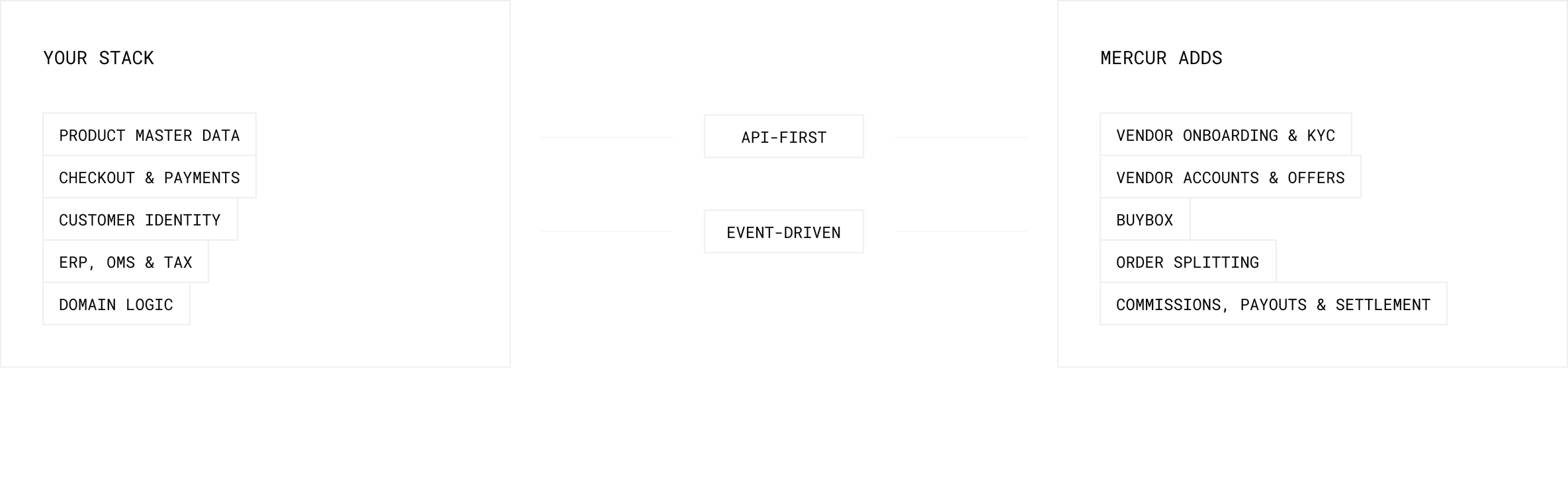
You built your commerce for control. The marketplace engine is full source, on your infrastructure, extensible by any web developer – the control you already have, without the cost of building and maintaining it.
What changes in your store once you add a marketplace?
With Mercur, product pages show competing offers, one checkout covers every vendor, and one customer order becomes a separate order, payment, and payout per vendor.
Onboard a vendor
A configurable application, KYC and KYB through your payment provider, and a hard rule: no verification, no payout.

List the catalog
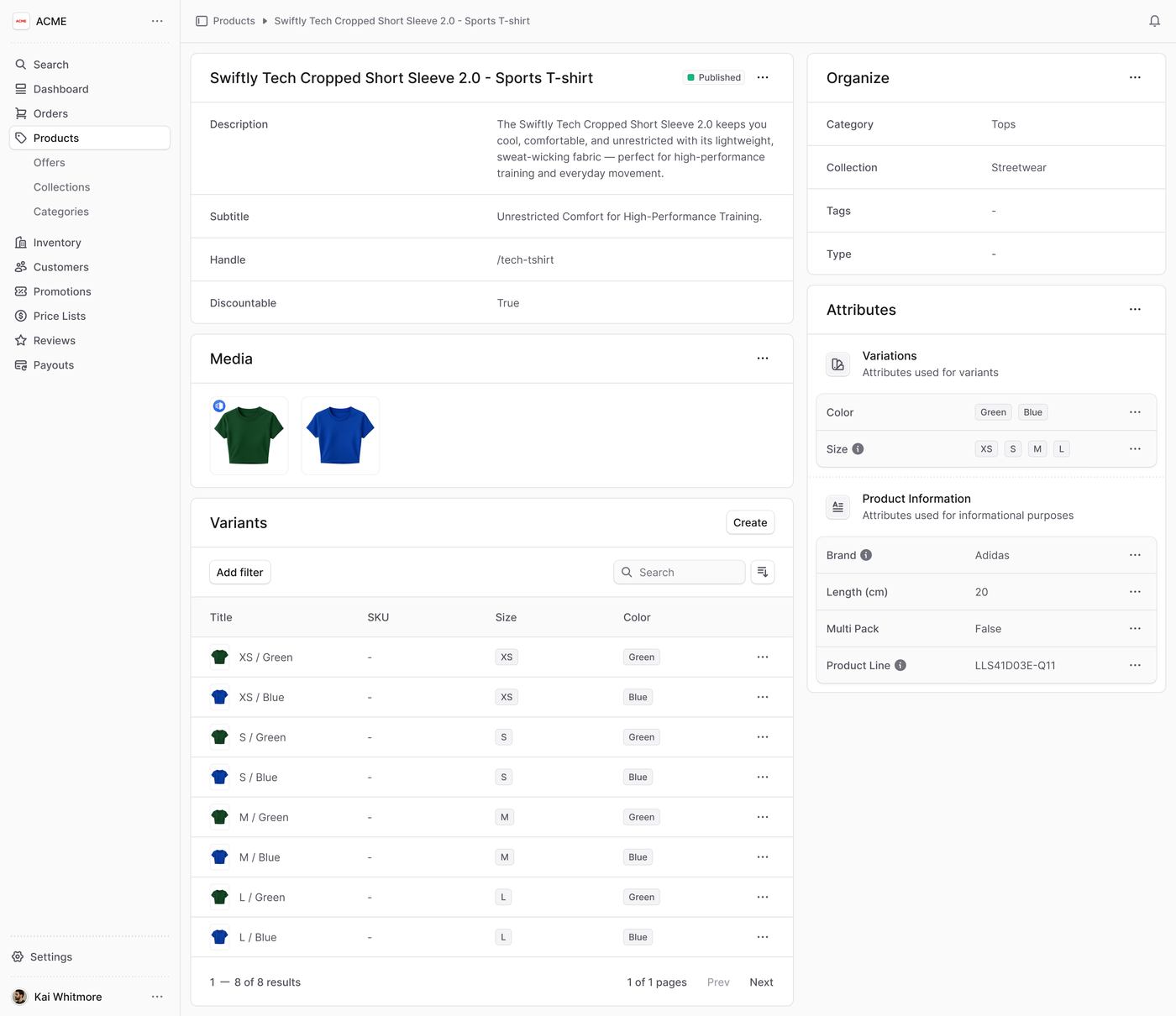
Bulk import by file or API with a mapping wizard. Listings dedupe by EAN, so three versions of one phone become one product with competing offers.
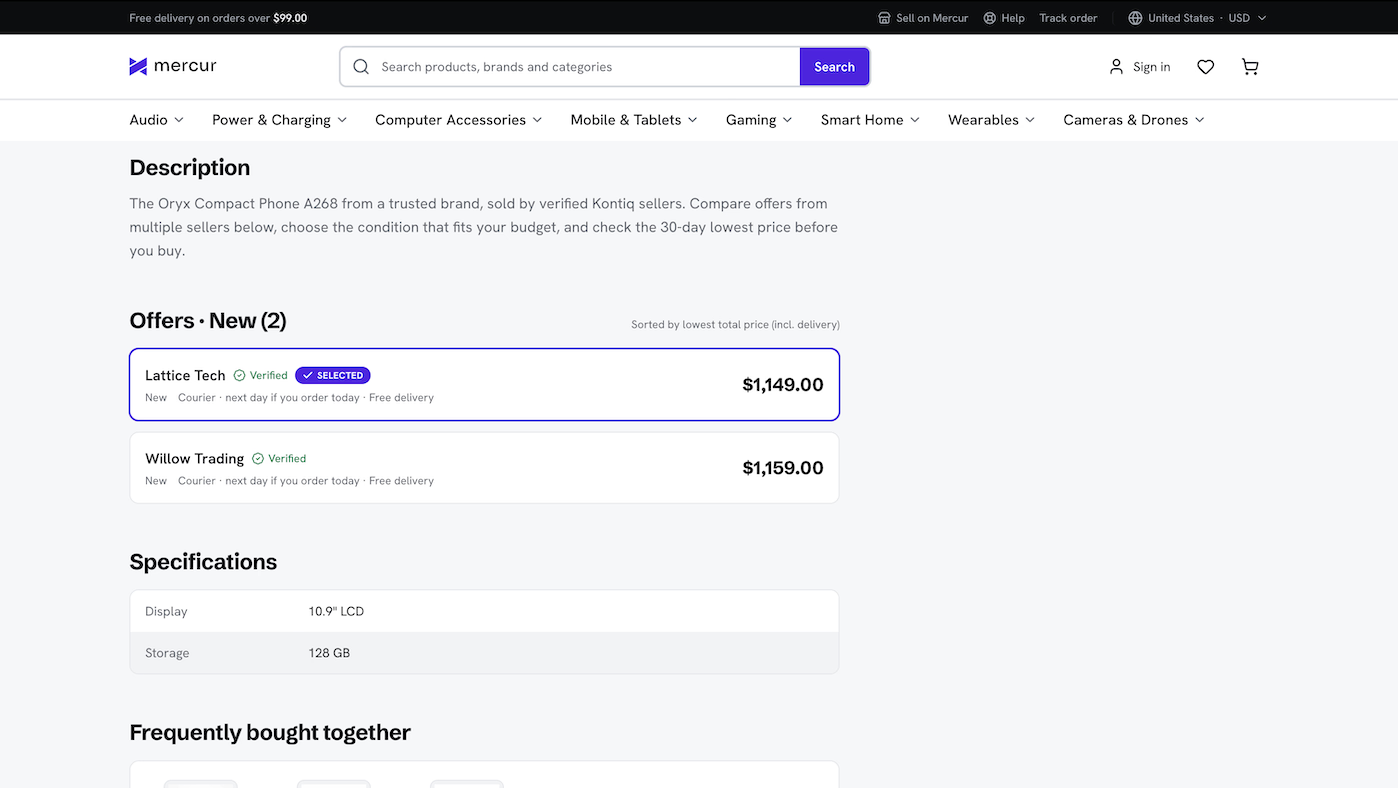
Win the sale
Offers compete on price and availability. The BuyBox picks the winner and shows every vendor standing behind it.
Take a mixed cart
One order from your checkout, across your own products and third-party offers – your front calls Mercur over the API.
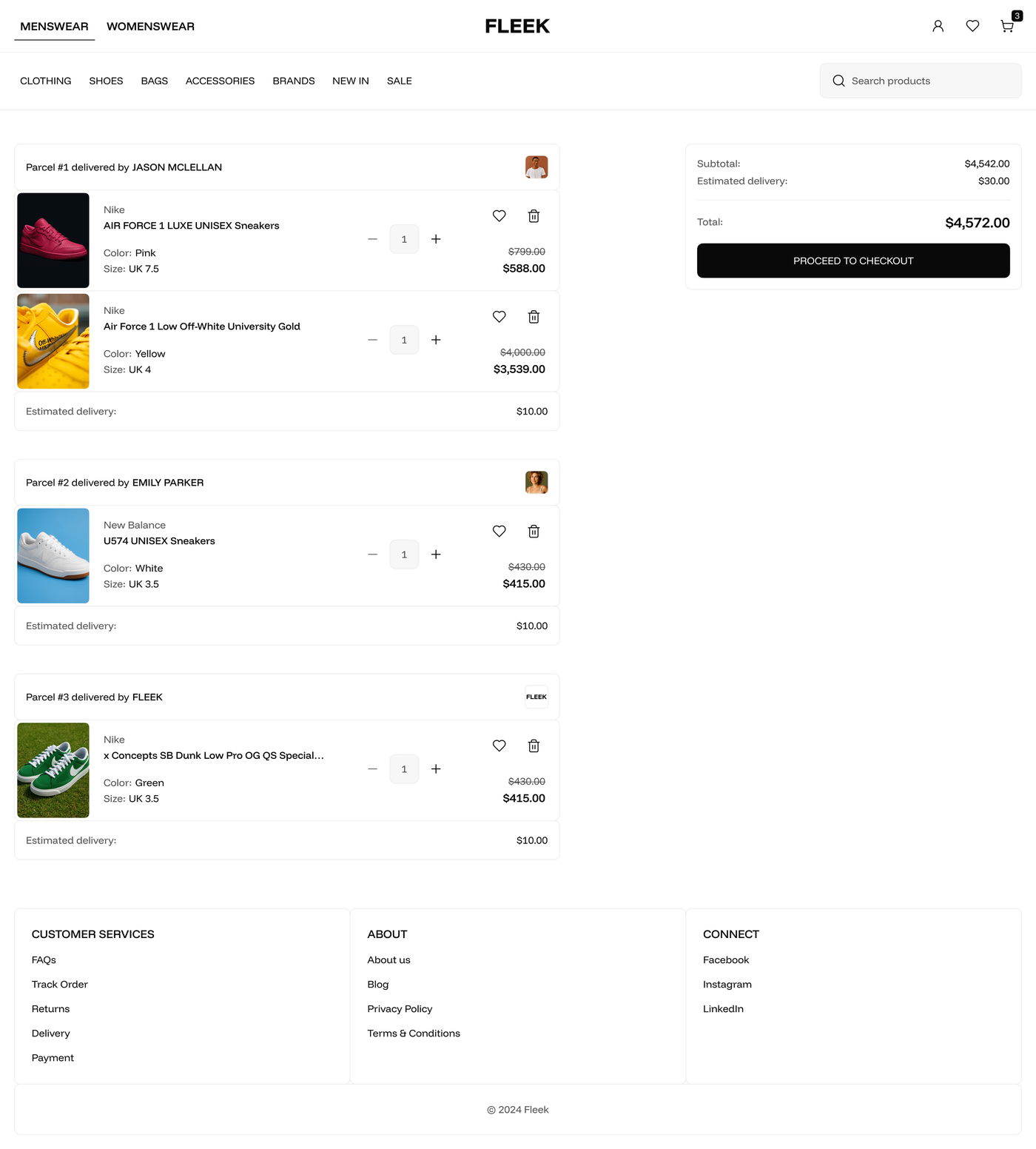
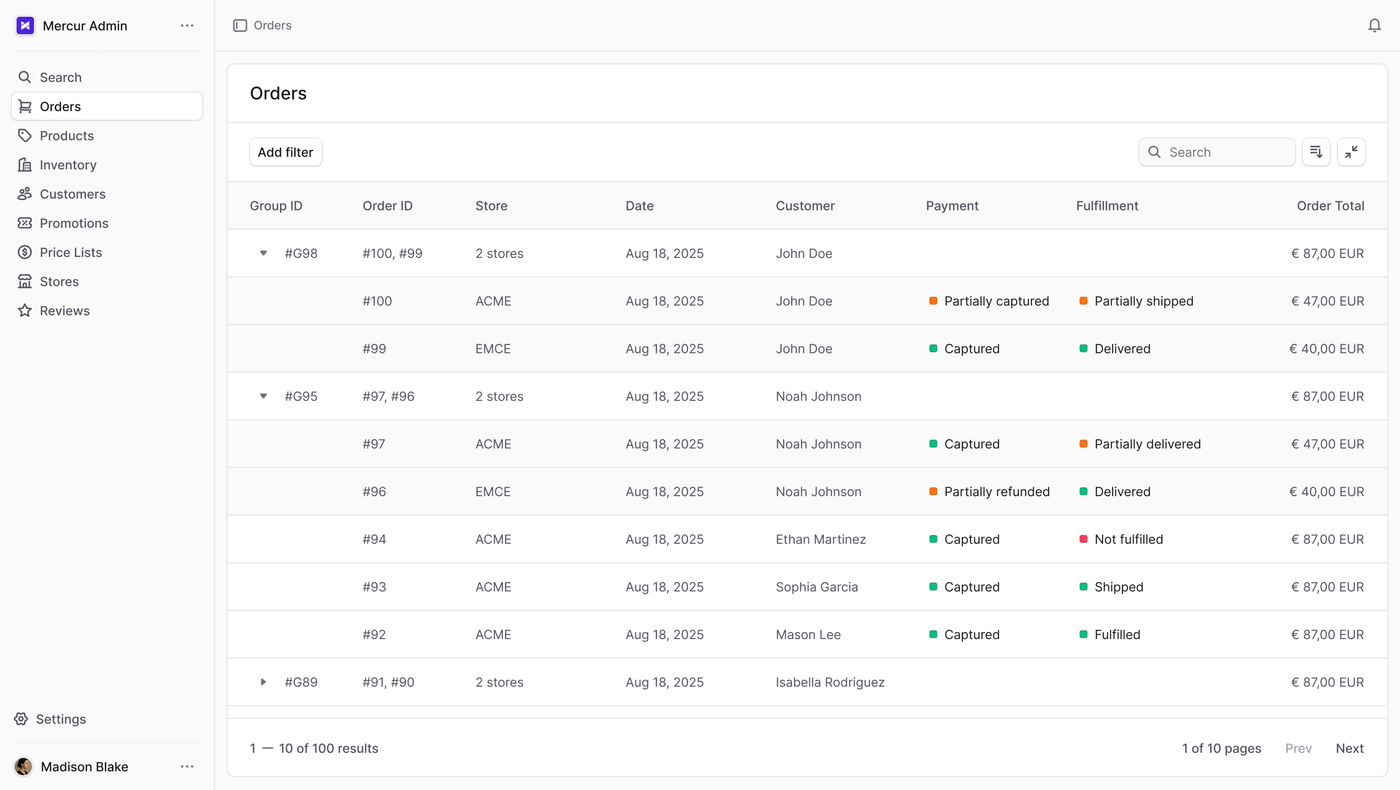
Split the order
Mercur splits that order into a separate order and payment per vendor, and hands the result back to your stack.
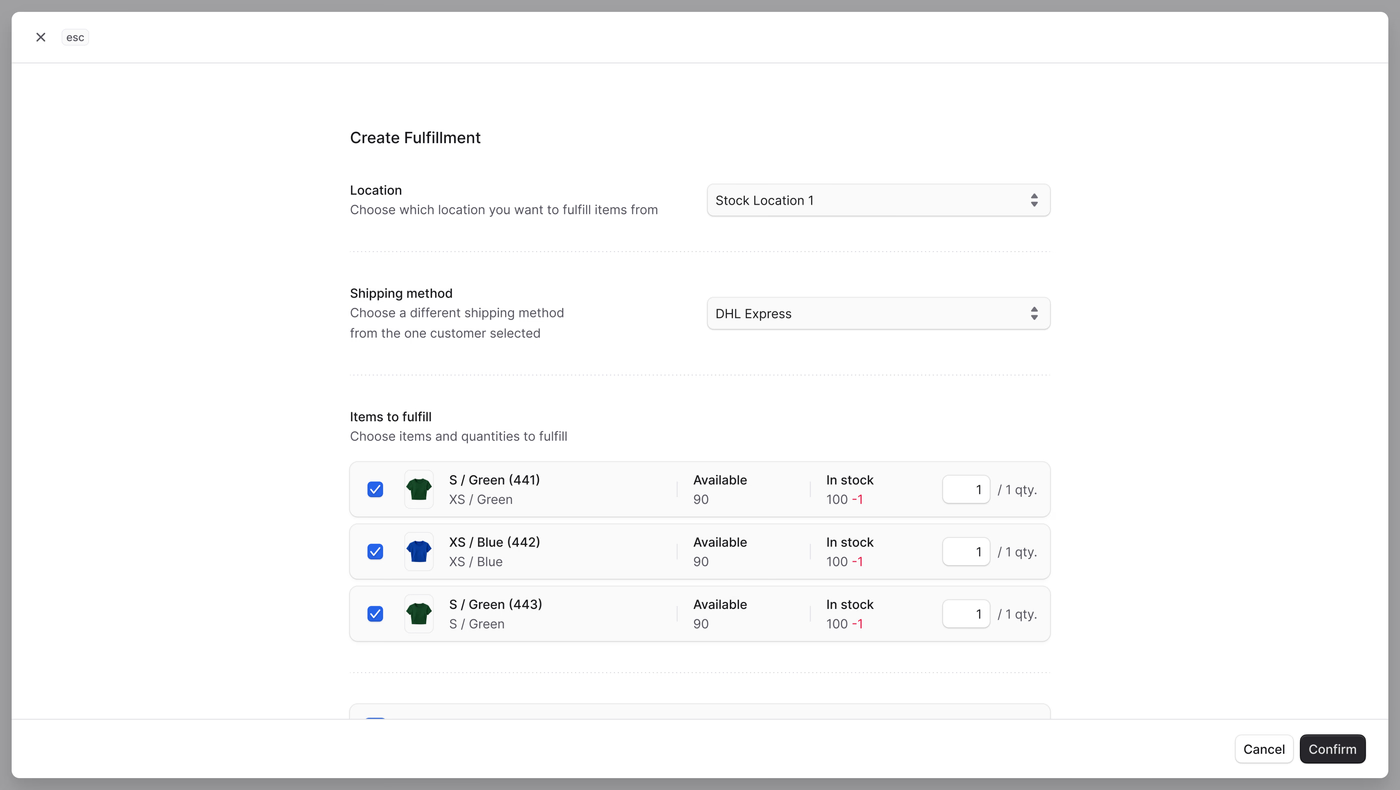
Fulfill and track
Logistics classes, lead times, lockers, and multi-shipment – with a status flow where only the admin marks an order received.
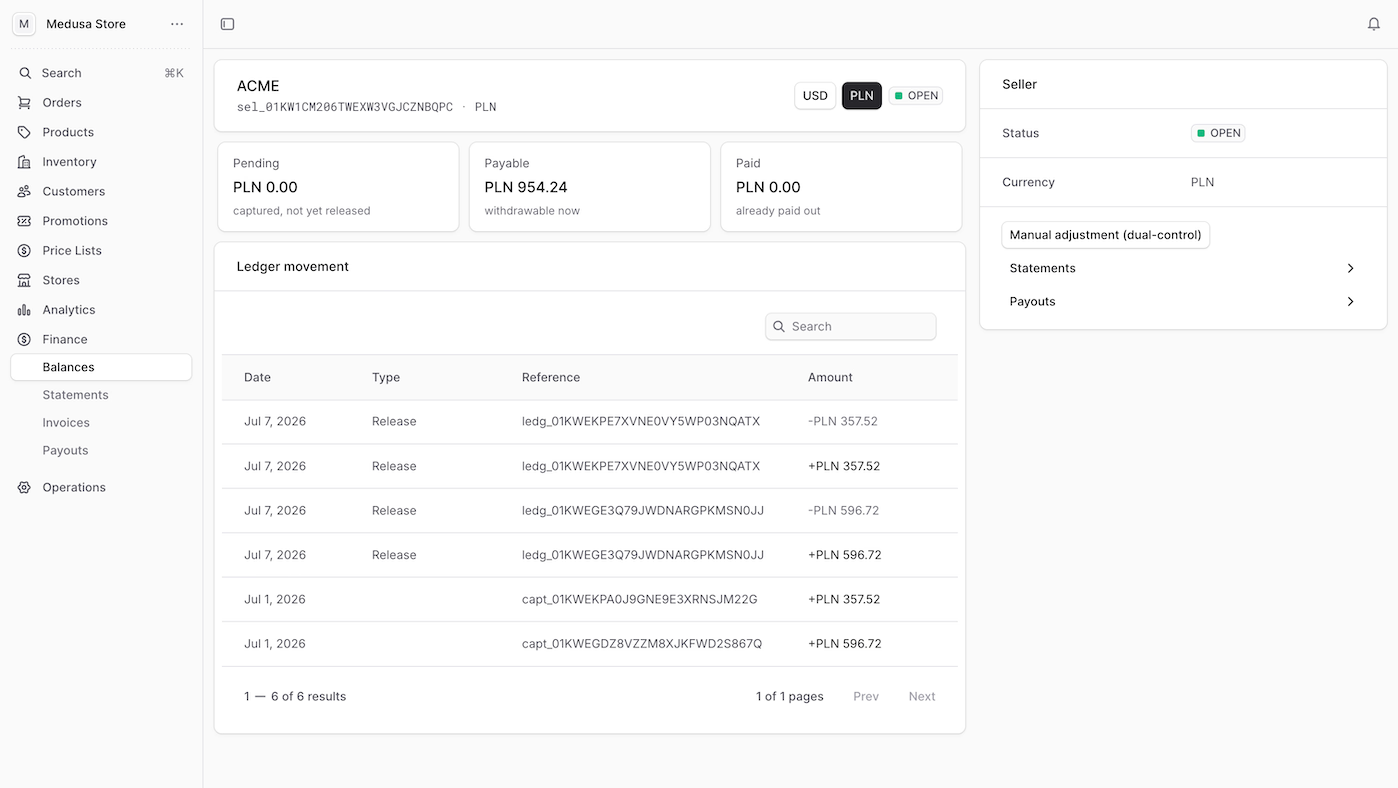
Settle and pay out
An append-only ledger, real Pending, Payable, and Paid balances with a Reserved bucket for holds, statements, and invoices. The balance a vendor sees is the money they get.
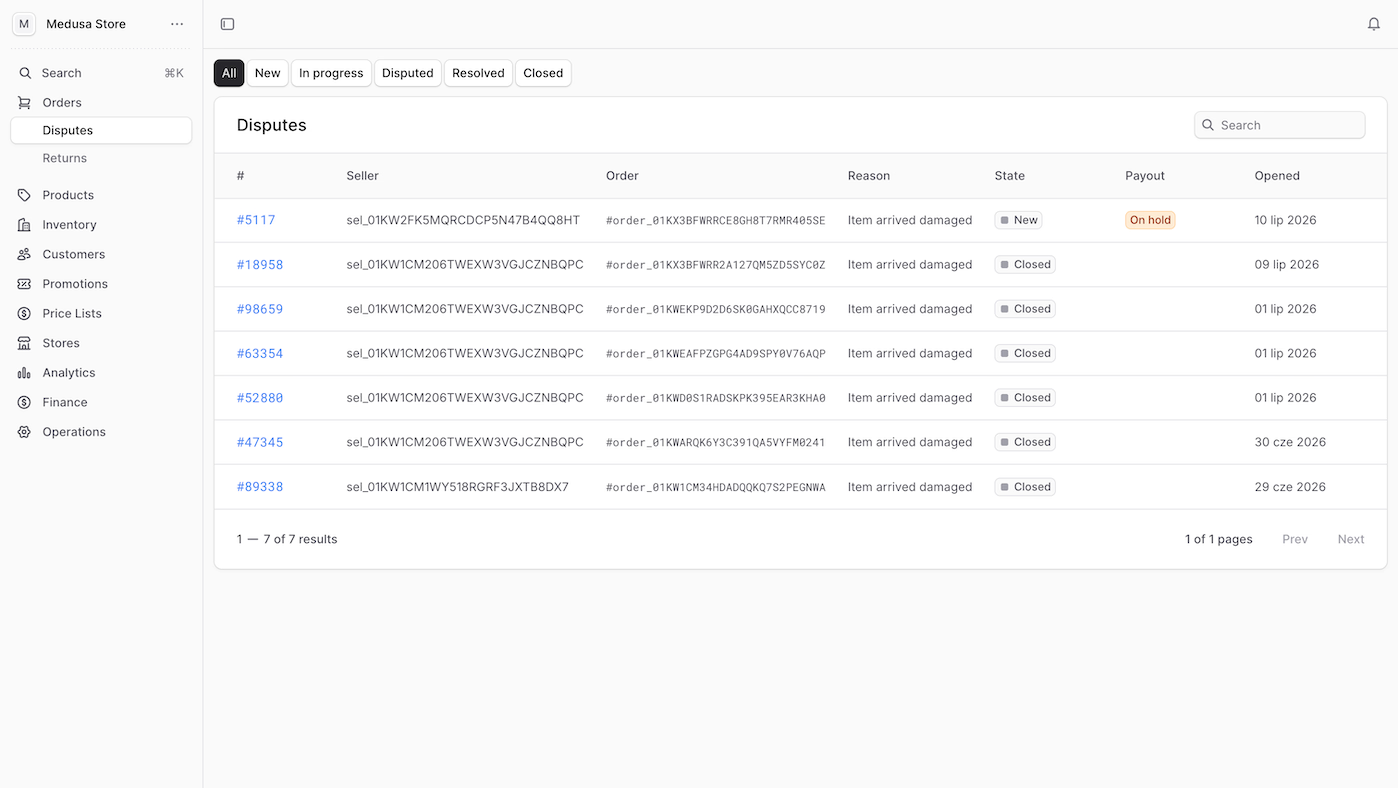
Handle returns and disputes
Per-line returns on your policy window, refunds that match the books, and disputes that hold a payout until they close.
And the part most platforms leave to a spreadsheet: every data export is logged. When someone walks out with the vendor list, there is a record.
How Mercur compares with SaaS marketplace platforms
| SaaS Marketplace | Mercur | |
|---|---|---|
| Core technology | Closed, vendor-only | Open source (MIT), public |
| Enterprise code | Black box | Full source for licensees |
| Integrations | Separate products | Built into one platform |
| Customization | Tickets and workarounds | Your own layer, official extension points |
| Deployment | Vendor cloud only | Any cloud or on-premise |
| Cost model | A percentage of your GMV | Zero GMV fees |
| Exit | Lock-in | You keep what you paid for |
| Developer pool | Certified specialists | Any web developer |
An engine any web developer can read, run, and extend
Mercur is API-first and headless. Your front, your back office, and your systems talk to it over a typed API and events. The whole surface is open.
# Admin, vendor and storefront scopesGET /admin/sellersPOST /vendor/offersPATCH /vendor/offers/:idGET /store/offers?product_id=prod_01H8...What the integration process looks like
Four steps, with a team that has shipped marketplaces in production.
Marketplaces built on Mercur
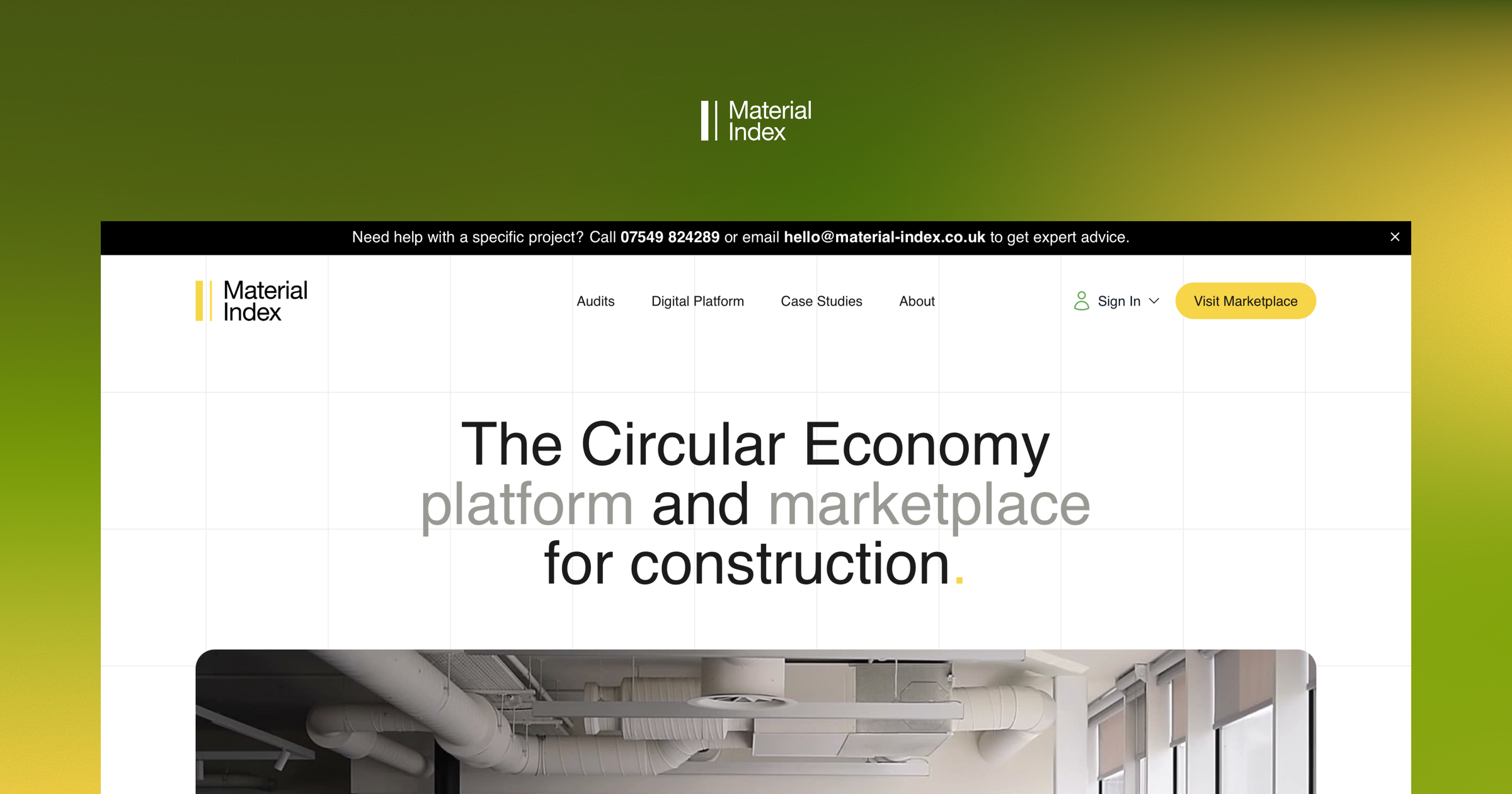
Material Index
Material Index lets contractors, architects and developers buy and sell reclaimed materials, live in the UK and licensed in Australia, the USA, and Spain.
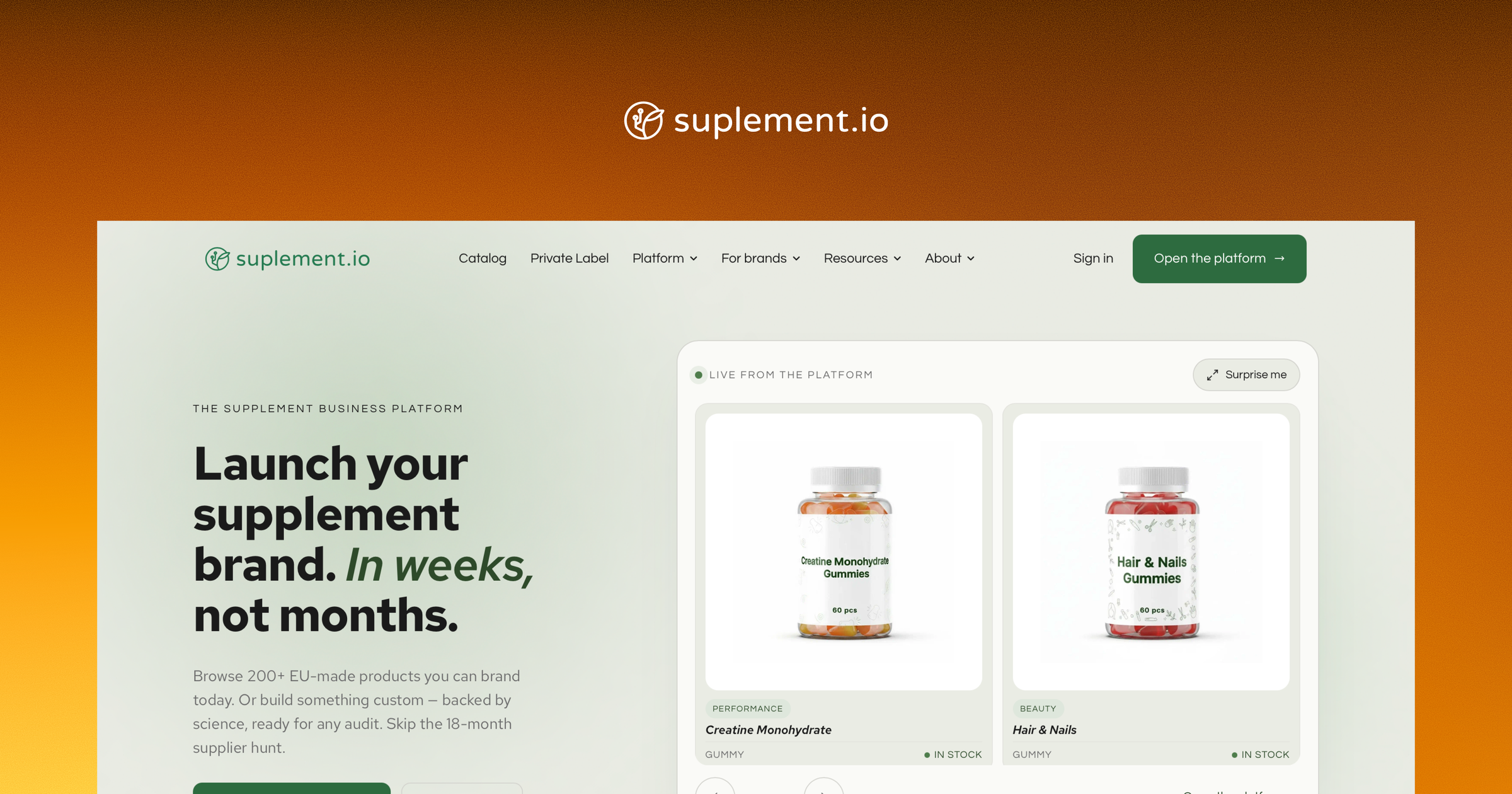
Suplement.io
Suplement.io equips supplement brands with EU-based manufacturing – ready-to-brand products, private-label formulation and compliance – in 20+ EU countries.

Skylum
Skylum extended its eCommerce with a creative marketplace for 800+ editing assets made by world-class photographers and artists.
Questions engineering will ask
Straight answers, in the order they come up.
General questions
See how leading brands build their marketplace
Talk to the team behind Mercur – how it works, how other brands build with it, and where it fits for you.